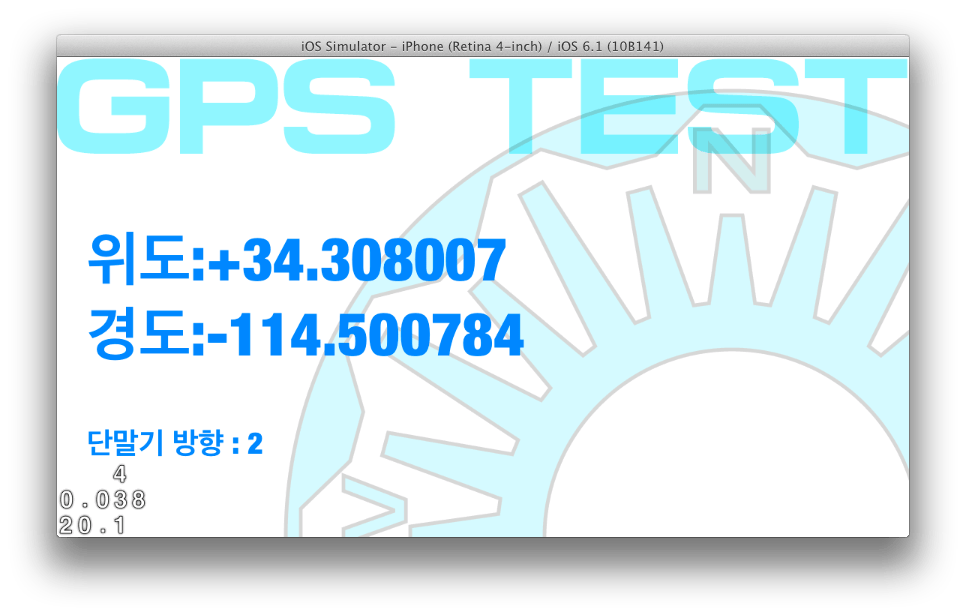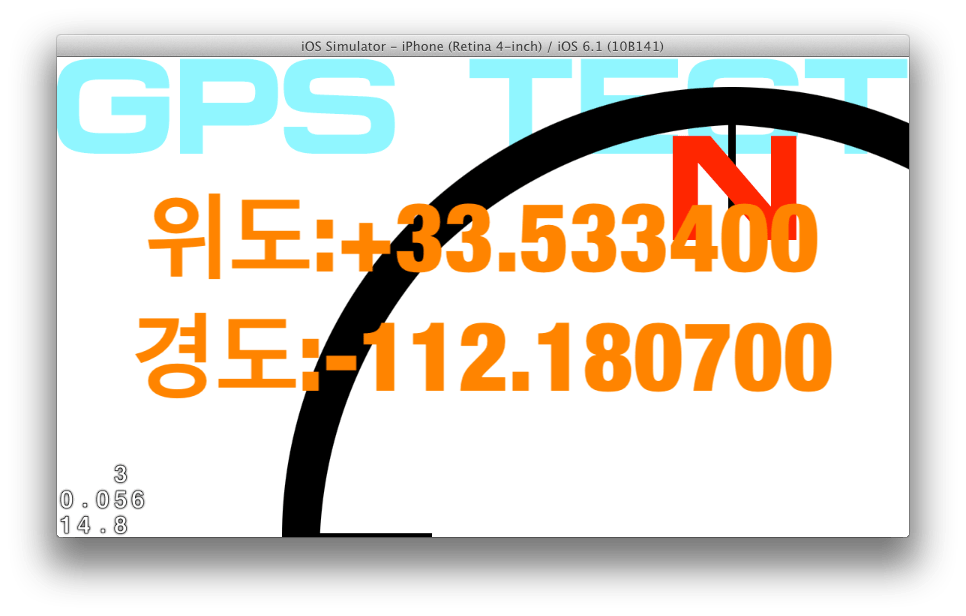
03.학습

  • GPS 작업 09

    1. 속도 계산     tempSpeed = newLocation.speed*3.6f;// m/s를 km/h로 바꾸기 (60*60)/1000 2. 타이머로 인터럽트     //타이머 생성     [NSTimer scheduledTimerWithTimeInterval:0.25f  <ㅡ 요 단위마다 튕김             …

  • GPS 작업 08

    GPS 작업 08

    1. iOS7에서 Status bar 없애기 info.plist 를 열고 View controller-based status bar… 를 (+)로 추가. 값은 NO.

  • GPS 작업 07

    GPS 작업 07

    1. Xcode5로 만들어 봤는데.. 으음… Cocos2D에서 저 Carrier랑 시계랑 배터리 마크 기본으로 안 지워진다.. 살펴보니 내 iPhone4에서는 여전히 상태바가 없는 것으로 나온다.iOS7에서 저부분 다루는 게 바뀌었나?

  • GPS 작업 06

    GPS 작업 06

    1. 단말기 위치 고정-가로로 고정하고, 장치 방향 감지 기능을 이용해서 리소스를 가로 세로로 변경 예정 초기화 부분에 다음 추가         // 단말기 회전 통지 시작    …

  • GPS 작업 05

    1. startMonitoringSignificantLocationChanges 사용시 종료해도 화살표 안 사라지는 것 https://asteris.pe.kr/blog/1568 의 계속 AppDelegate에 locationManager를 사용하는 클래스를 불러오겠다고 선언한다. 이번의 경우 GpsLayer.h/GpsLayer.m에서 사용하므로 AppDelegate.h 에 @class GpsLayer; 추가 @property (strong, nonatomic) GpsLayer…

  • GPS 작업 04

    GPS 작업 04

    1. 위치정보 관련 헤더 @interface GpsLayer : CCLayer <CLLocationManagerDelegate, MKMapViewDelegate> {     CLLocationManager* locationManager;    CCLabelTTF *label; } @property (nonatomic, retain) CLLocationManager* locationManager; // 구현 -(void)locationManager:(CLLocationManager *)manager didUpdateToLocation:(CLLocation *)newLocation…

  • GPS 작업 03

    1. 글자 표시 CCLabelTTF *label = [CCLabelTTF labelWithString:@”Hello World” fontName:@”HelveticaNeue-CondensedBlack” fontSize:64];        // ask director for the window size CGSize size = [[CCDirector sharedDirector] winSize];       …